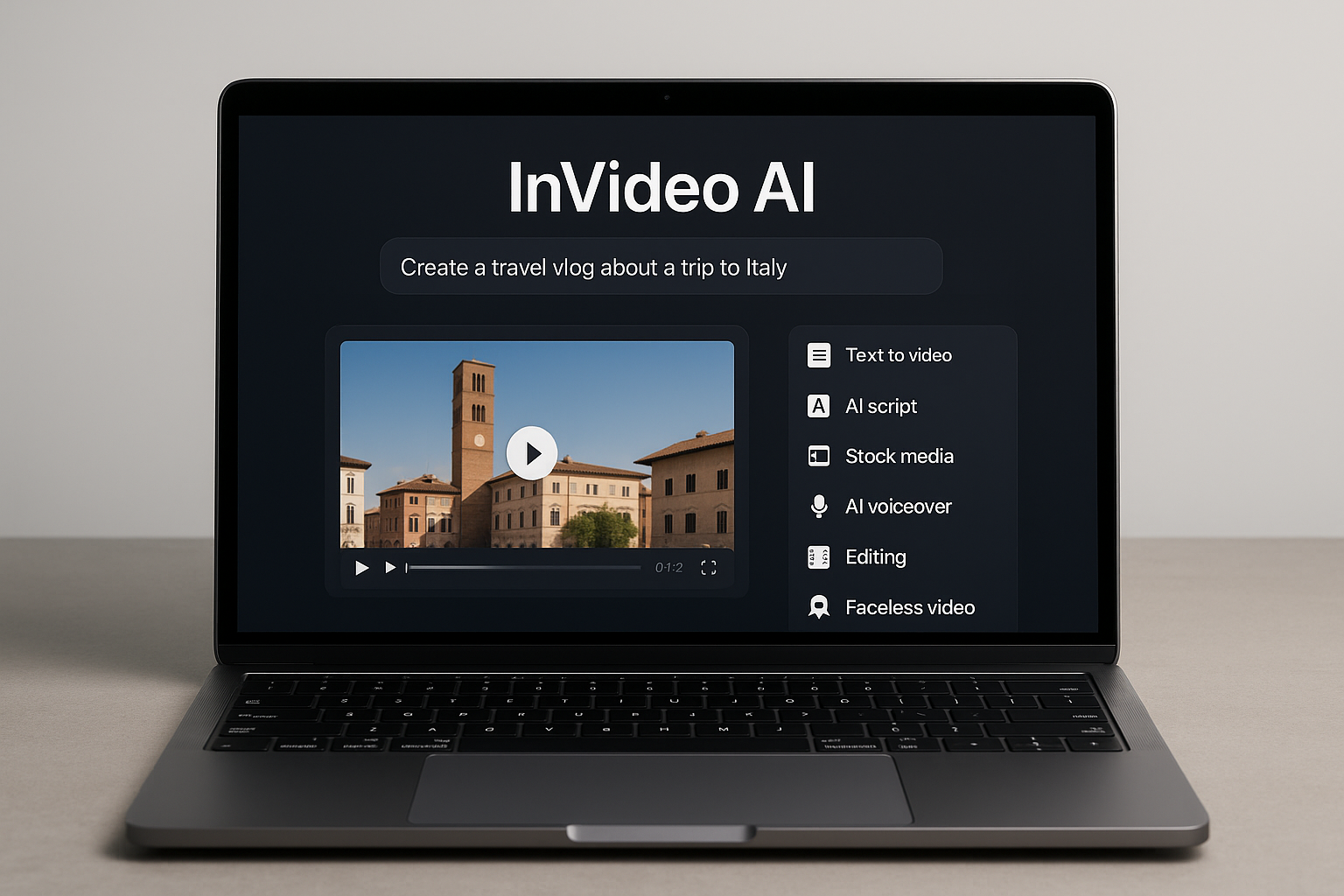
Introduction
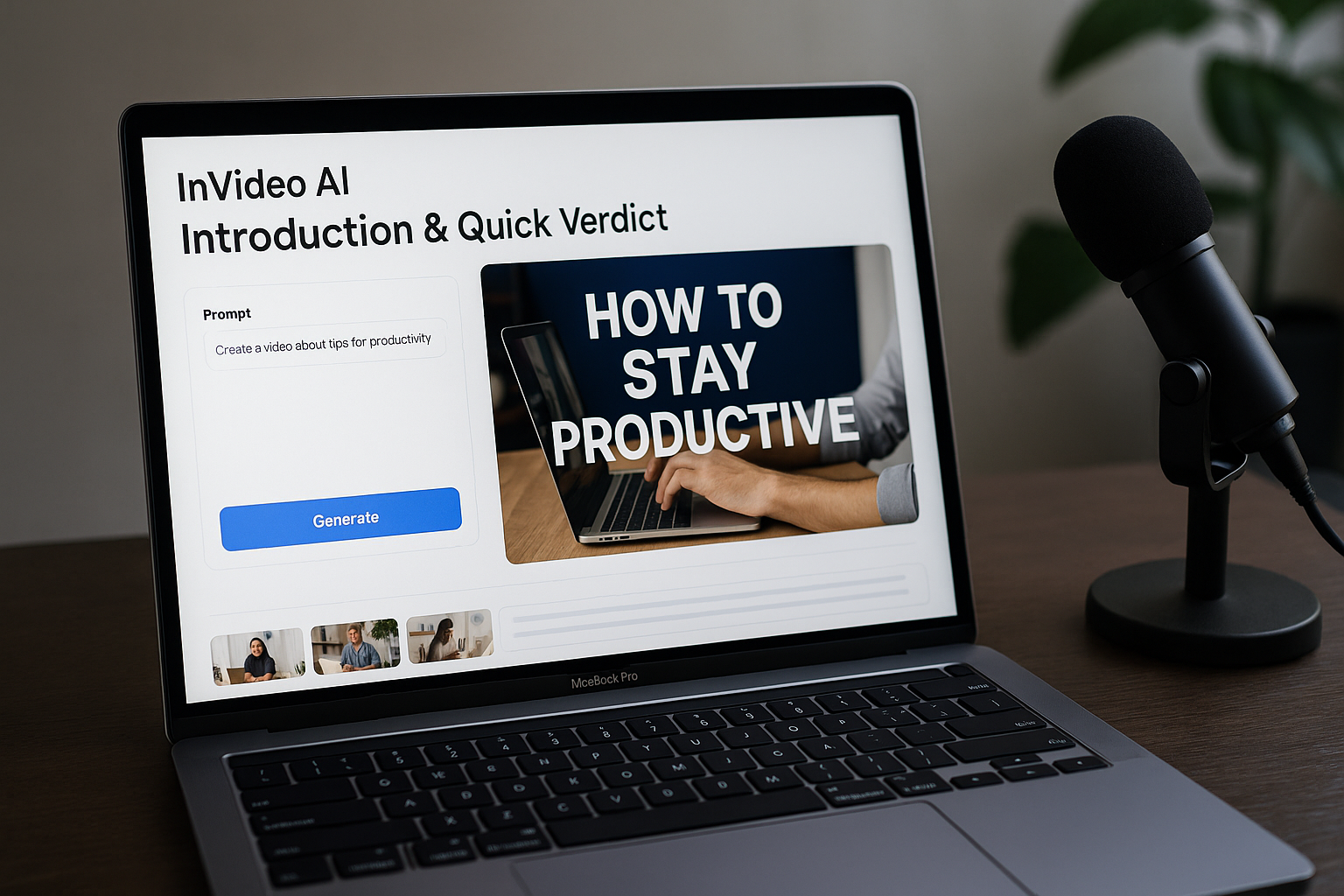
InVideo AI delivers on its promise: text prompts become publish-ready videos in under 10 minutes. This cloud-based tool combines AI scripting, voiceovers in 40+ languages, and access to 8 million stock clips. The platform supports multiple aspect ratios, including 16:9 for YouTube, 9:16 for TikTok, and 1:1 for Instagram. YouTube creators scaling content output will appreciate the speed, especially when producing tutorial series or product reviews that require consistent branding.
The weakness shows in customization. Text-based editing works for broad changes, such as swapping footage or adjusting narration. However, fine-tuning transitions or timing requires workarounds. Users expecting Adobe Premiere-level control will hit limits fast. The timeline interface lacks granular controls for keyframe animation or audio ducking.
Best fit: intermediate marketers producing 5+ videos weekly who value speed over pixel-perfect edits. It excels at explainer videos, social media ads, and educational content. Avoid if you need frame-by-frame precision or custom motion graphics. The tool works best for professionals comfortable with iterative refinement rather than manual control.
Who This Is For
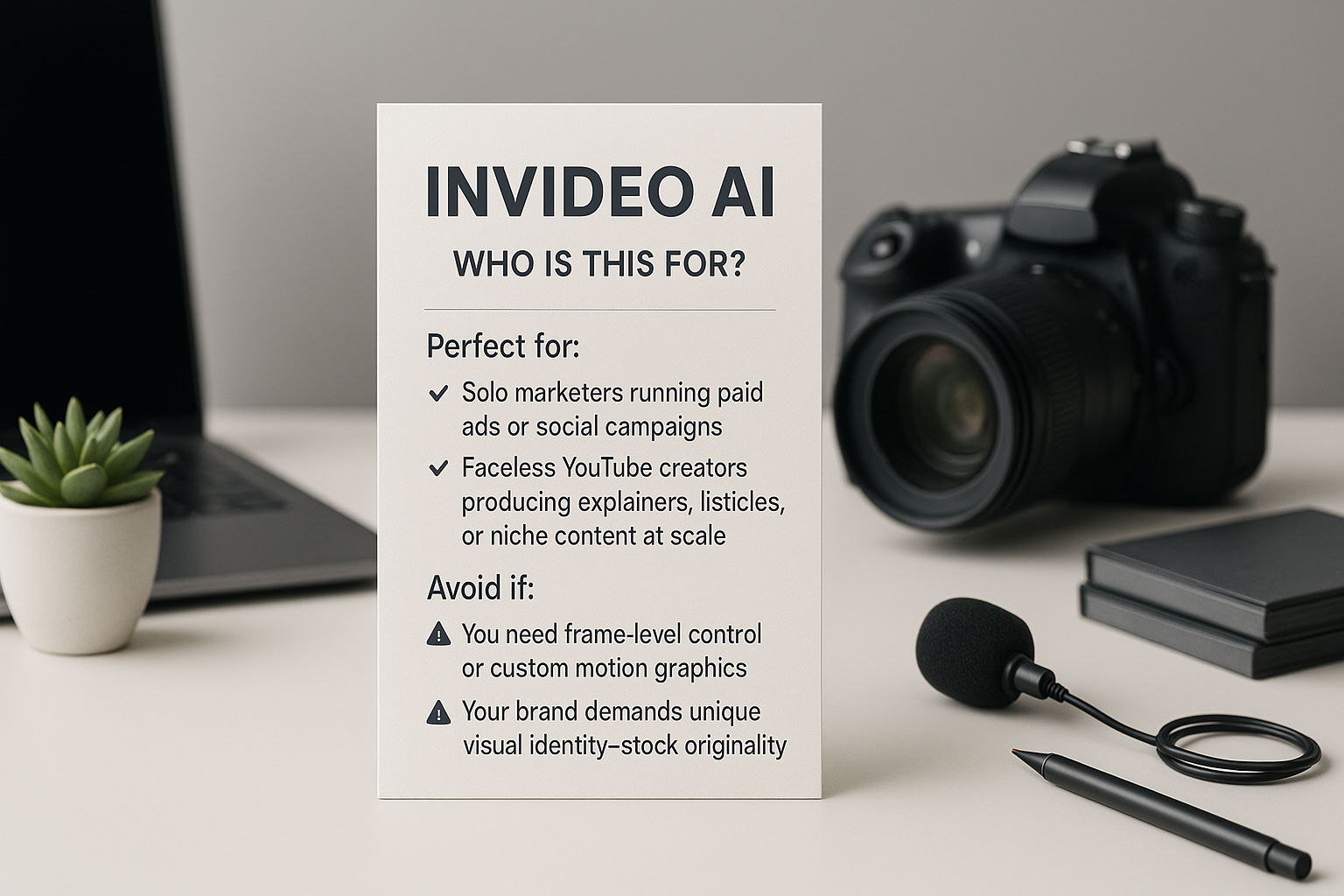
Perfect For:
YouTube creators posting 3+ videos weekly who need fast turnarounds without hiring editors. InVideo AI delivers edited videos in under 10 minutes.
Marketing teams running multilingual ad campaigns across Facebook, Instagram, and TikTok. The platform supports over 50 languages for global reach.
Solopreneurs creating explainer videos for products without appearing on camera. InVideo AI generates voiceovers and visuals from text prompts alone.
Agencies managing multiple client accounts who need brand-consistent templates. The tool provides customizable presets for faster production cycles.
Educators producing course content such as tutorials and training modules. InVideo AI includes features like auto-captions and scene transitions.
Avoid If:
You need frame-by-frame control for brand-specific motion graphics or custom animations. InVideo AI prioritizes speed over granular editing precision.
Your workflow requires offline editing—this tool runs entirely in the browser. Users must maintain stable internet connections for rendering.
You produce feature-length documentaries requiring advanced color grading. The platform focuses on short-form content such as ads and social posts.
Product Overview
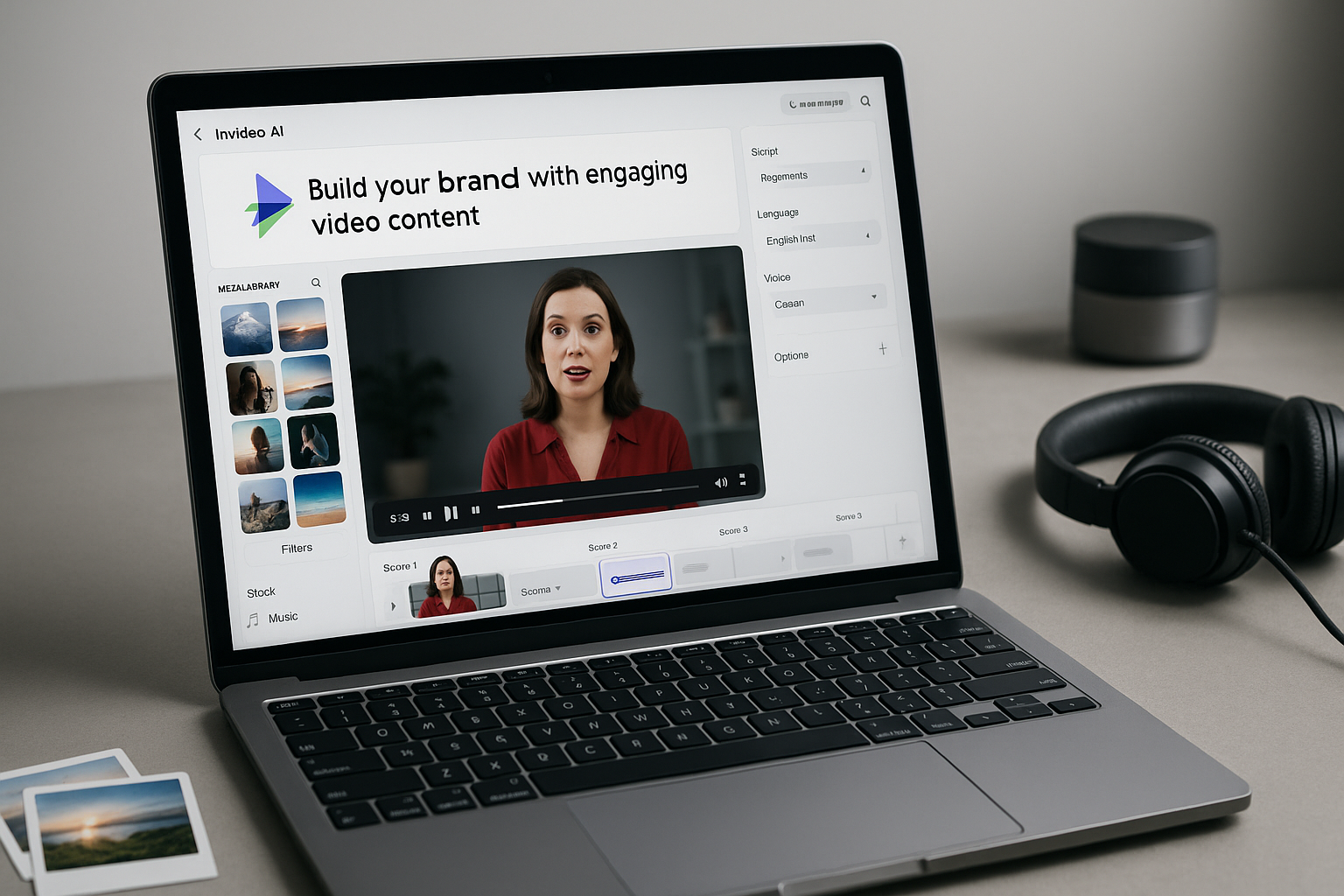
Invideo AI is a cloud-based video creation platform that generates complete videos from text prompts. Users type an idea or script outline, and the system builds scenes, selects stock media, adds voiceovers, and applies transitions automatically. The platform runs entirely in a web browser with no software installation required. It includes a library of millions of royalty-free images, video clips, and music tracks. Text-based editing allows users to modify scenes, pacing, or voiceovers using natural language commands. The system supports AI avatars, faceless video formats, and multilingual voiceovers with auto-dubbing. Invideo AI offers free and paid subscription tiers starting at $20/month for the Plus plan and $60/month for the Max plan.
Specification | Details |
|---|---|
Platform Type | Cloud-based (browser only) |
Stock Media Library | 8+ million royalty-free assets |
AI Voiceovers | 50+ languages and accents |
Pricing Tiers | Free, Plus ($20/mo), Max ($60/mo) |
Export Formats | MP4, vertical/horizontal/square ratios |
Key Features
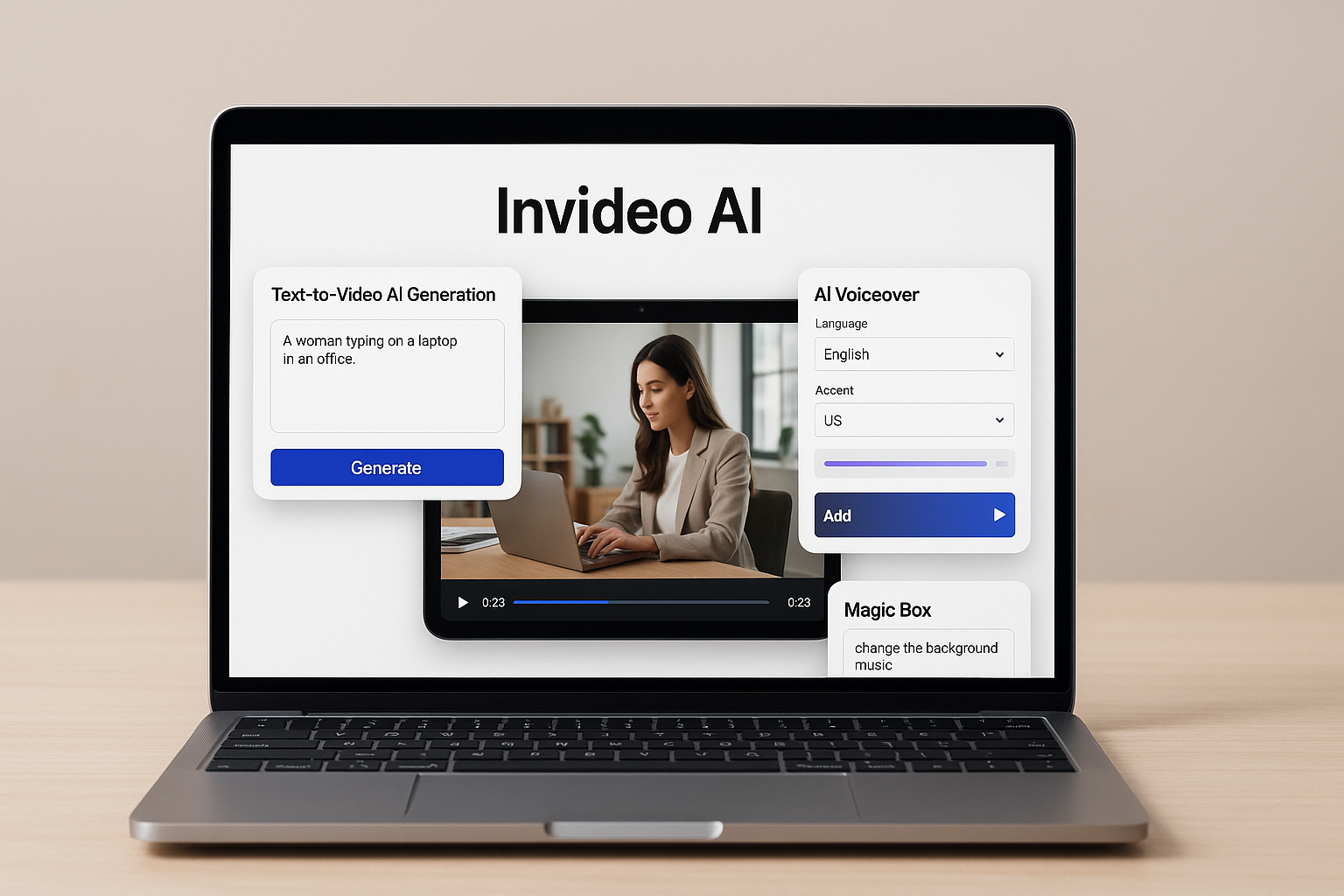
- Text-to-Video AI Generation
InVideo AI creates full videos from a single prompt in under 5 minutes. The platform auto-generates scripts, scenes, voiceovers, and transitions. Users input text descriptions such as "product demo" or "tutorial video." The tool delivers complete content without manual editing. InVideo AI features automated scene selection and pacing tools.
- Text-Based Editing (Magic Box)
InVideo AI offers text-based editing through the Magic Box feature. Users edit videos with simple commands such as "shorten intro" or "change voice." The system processes natural language instructions including trim requests and style changes. No timeline scrubbing is required for modifications. The tool supports editing functions like background music adjustment and text overlay changes.
- Multilingual AI Voiceovers
InVideo AI generates natural speech in 40+ languages with auto-dubbing capabilities. One video adapts for global audiences instantly through automated translation. The platform supports languages including Spanish, French, German, and Mandarin. Voice synthesis maintains natural tone and pacing across different languages. Users create localized content for international markets without recording new audio.
Pros
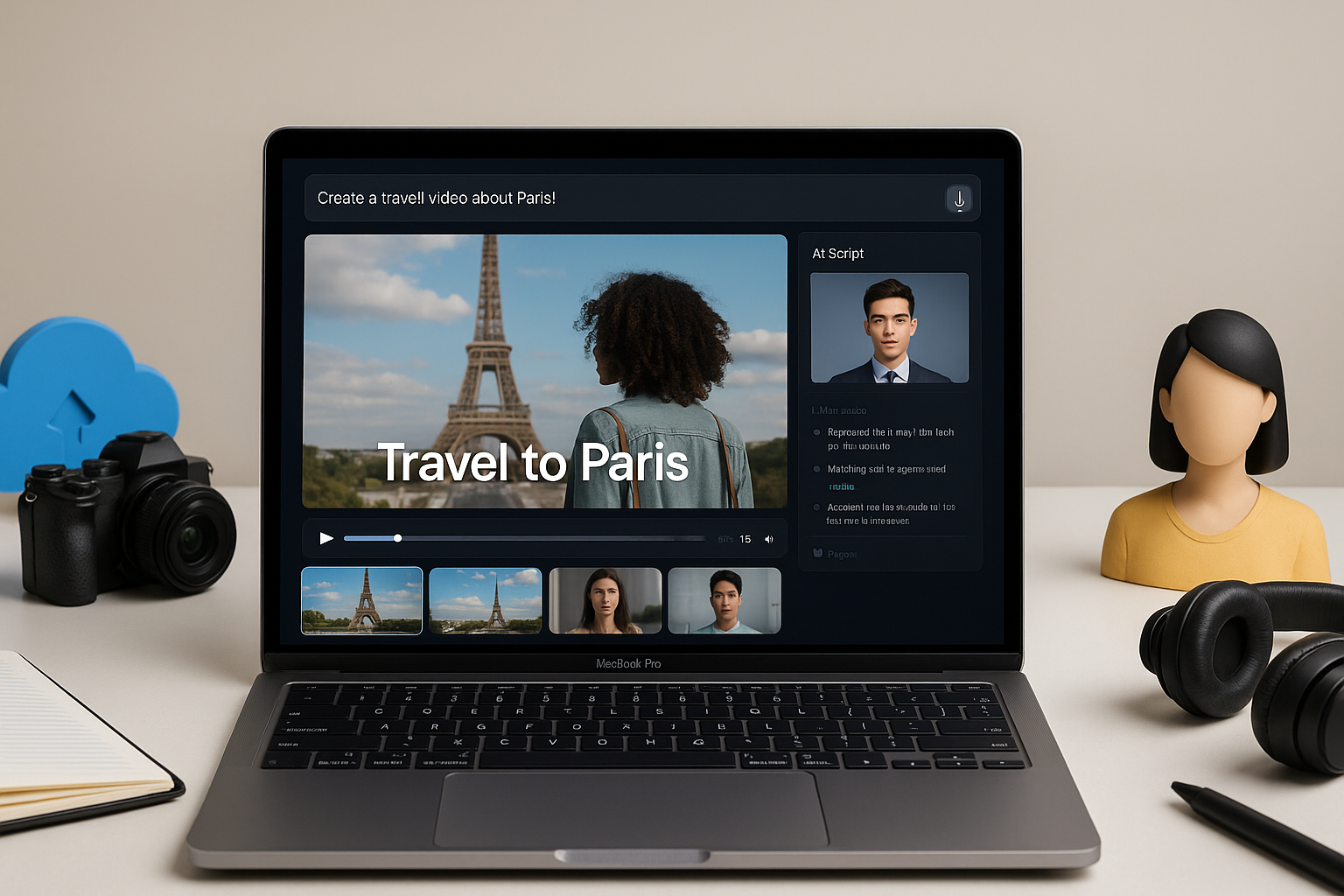
InVideo AI streamlines video creation by automating scripting, scene assembly, and voiceovers from simple text prompts. You skip hours of manual editing and produce publish-ready videos in minutes—no prior experience required.
Text-to-video generation builds complete videos with scenes, transitions, and stock media from one prompt
AI voiceovers support 50+ languages with natural accents, enabling fast localization without hiring voice actors
Text-based editing lets you revise scenes, pacing, and subtitles using plain-language commands instead of timeline tools
Cloud-based workflow runs entirely in-browser with no software installation or hardware requirements
Stock library includes 8 million+ royalty-free clips and tracks, auto-matched to your script's context
Faceless video formats and AI avatars eliminate on-camera needs, ideal for privacy-conscious creators
Cons
InVideo AI automates most tasks, but that speed comes with creative and technical limits. You trade full control for convenience, and the output shows it.
AI-generated scripts feel generic and formulaic—brand voices requiring specific tone often need heavy rewrites
Stock media library repeats visuals across users, making videos look identical to competitors' content
Text-based edits misinterpret complex commands, forcing multiple attempts to fix simple timing or scene changes
Voiceovers lack emotion and natural pacing, sounding robotic in nuanced storytelling or emotional narratives
Export limits on free plans cap resolution and watermark videos, pushing users toward paid tiers quickly
Real-World Use Cases
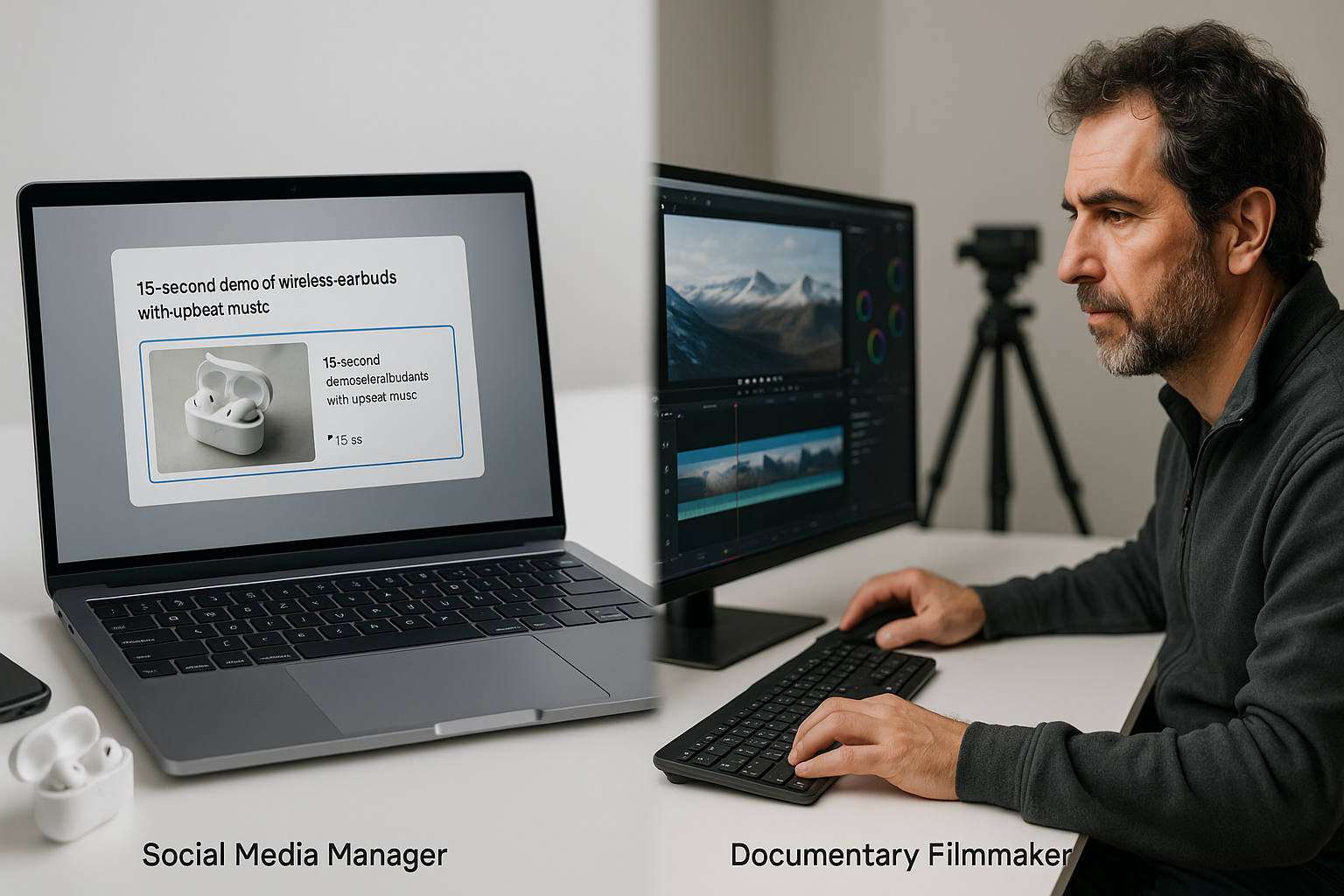
Shines: A YouTube creator needs 10 product review videos per week. She types a prompt like 'Create a 60-second review of wireless earbuds highlighting noise cancellation and battery life.' The AI generates a script, matches stock footage, adds voiceover, and outputs a draft in 4 minutes. She uses text commands to swap music and adjust pacing. No Premiere Pro skills needed. She publishes same-day content consistently.
Struggles: A wedding videographer tries using it for a highlight reel with custom drone footage. The platform can't import his 4K clips—it only works with its stock library or AI-generated visuals. He needs manual color grading and precise timeline control. InVideo AI lacks frame-level editing tools. He switches back to Final Cut Pro for client work.
Final Verdict
InVideo AI suits social media creators, small business owners, and marketers who need fast video output without editing skills. It shines for high-volume content like YouTube Shorts, ads, and explainers. Skip if you need cinematic quality or full creative control—this trades polish for speed.
Verdict: Highly Recommended for beginners and time-strapped creators. The text-to-video workflow and multilingual voiceovers make scaling content easy. Free plan works for testing; paid tiers remove watermarks and unlock exports.
Best for rapid content production. Not for filmmakers seeking frame-level precision.
Comments
Post a Comment